Autolaunched Flow Batch
The Breezz Framework allows you to schedule and automate Autolaunched Flow Batches for high-volume data processing.
Configuration
The configuration process is identical to the one described in the standard Autolaunched Flow guide.
The only difference occurs during the Register the Scheduler Job Step: you must select Autolaunched Flow - Batch in the Job Type field.
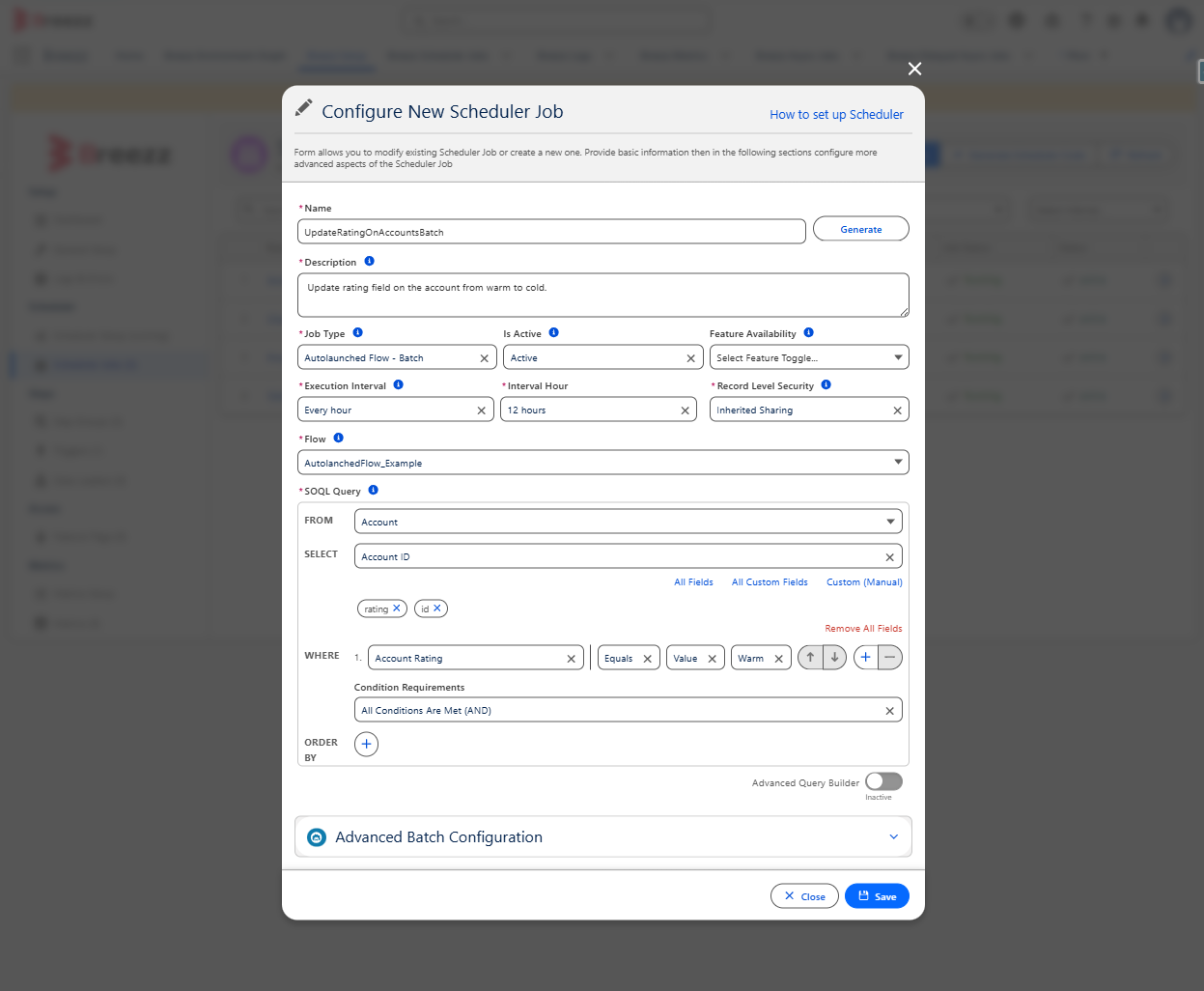
Scenario: You manage thousands of incoming cases daily and need to change the Rating of the related Accounts from Warm to Cold once a week based on specific conditions.
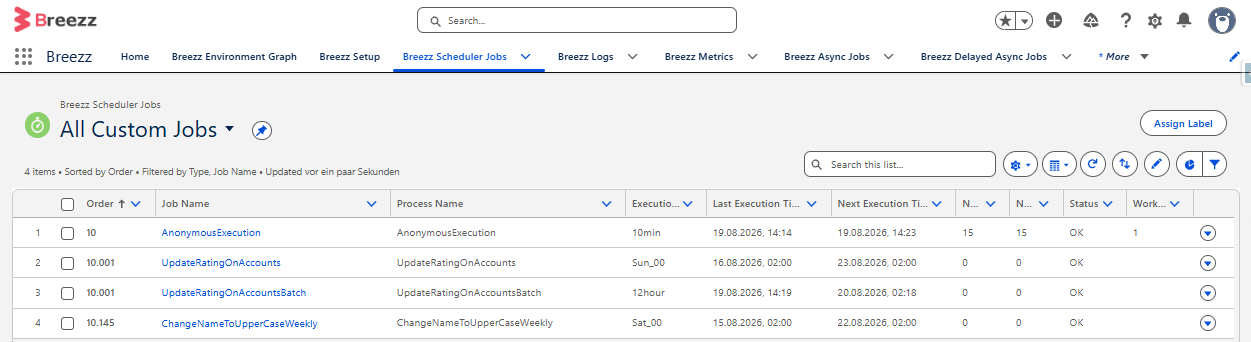
ℹ️ Note on Data Volumes: The Autolaunched Flow - Batch job type is specifically optimized for processing large datasets (e.g., 10,000+ records). If you need to process smaller datasets more frequently (e.g., 200 records every 6 hours), it is highly recommended to use the standard Autolaunched Flow job type instead.