Examples
Before Insert/Update/Undelete/Delete Handling
The Before trigger handlers should be used exclusively to modify records within the primary Trigger Context (Trigger.new) or perform field-level validations.
⚠️ Best Practice Guidelines:
- Do not execute DML modifications on external or related records in Before passes.
- Do not initiate asynchronous Apex calls (
@future,Queueable) inside Before triggers.
Example 1: Default Field Population (Before Insert / Update / Undelete)
The step below populates a default value for Account.Rating if no value was provided by the user.
public with sharing class SetAccountRatingStep extends forvendi.Step {

    public SetAccountRatingStep() {
        super(SetAccountRatingStep.class.getName());
    }

    public override Boolean initRecordProcessing(Object record, Object optionalOldRecord) {
        Account acc = (Account) record;

        // Populate default Rating if empty
        if (String.isBlank(acc.Rating)) {
            acc.Rating = 'Warm';
        }

        // Return false as processing for this record is completed synchronously
        return false;
    }
}
Example 2: Record Deletion Validation (Before Delete)
The step below blocks record deletion dynamically. This step is generic and can be registered on Before Delete triggers across any SObject type.
public with sharing class BlockRecordDeletionStep extends forvendi.Step {

    public BlockRecordDeletionStep() {
        super(BlockRecordDeletionStep.class.getName());
    }

    public override Boolean initRecordProcessing(Object record, Object optionalOldRecord) {
        SObject sfRecord = (SObject) record;

        // Throw a page-level DML error preventing record deletion
        sfRecord.addError('You cannot remove ' + sfRecord.get('Name') + ' ' + sfRecord.getSObjectType() + ' record!');

        return false;
    }
}
Example 3: Modifying Context via Parent Data (DataStore Loader)
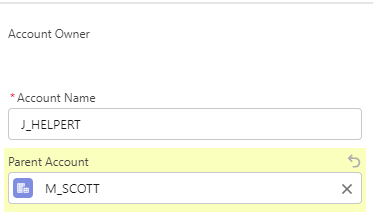
The step below fetches parent record details using the default DataStore engine without writing custom SOQL queries, updating the account hierarchy name dynamically during Before Update.
public with sharing class SetAccountHierarchyInNameStep extends forvendi.Step {

    public SetAccountHierarchyInNameStep() {
        super(SetAccountHierarchyInNameStep.class.getName());
    }

    public override Boolean initRecordProcessing(Object record, Object optionalOldRecord) {
        Account acc = (Account) record;

        // Check if ParentId changed; request pre-loading parent record into DataStore
        if (isNewOrChanged(acc, (SObject) optionalOldRecord, Account.ParentId) && acc.ParentId != null) {
            getStore().requestToLoad(acc.ParentId);
            return true; // Return true to trigger finishRecordProcessing pass after load
        }
        return false;
    }

    public override void finishRecordProcessing(Object record, Object optionalOldRecord) {
        Account acc = (Account) record;

        // Retrieve loaded parent record from DataStore
        Account parentAcc = (Account) getStore().getFromStore(acc.ParentId);

        if (parentAcc != null) {
            String[] accName = acc.Name.split('->');
            acc.Name = parentAcc.Name + '->' + accName[accName.size() - 1];
        }
    }
}
Execution Walkthrough:
requestToLoad(acc.ParentId)registers the parent ID into the frameworkDataStorequeue duringinitRecordProcessing.- Returning
trueinstructs Breezz to invokefinishRecordProcessingafter bulk-querying the cached parent records. getFromStore(acc.ParentId)retrieves the cached parent account to construct the updated record name hierarchy.

💡 Apex API Reference: To learn more about built-in record caching mechanisms, visit Breezz APEX API - DataStore.
After Insert/Update/Undelete/Delete Handling
The After trigger handlers should be used to modify records related to the Trigger Context (such as parent, child, or cross-object records).
⚠️ Best Practice: Avoid modifying fields on records within the primary Trigger Context (
Trigger.new) during After passes. After triggers are also the optimal entry point for initiating asynchronous background processing.
Example: Custom Rollup Calculation Step
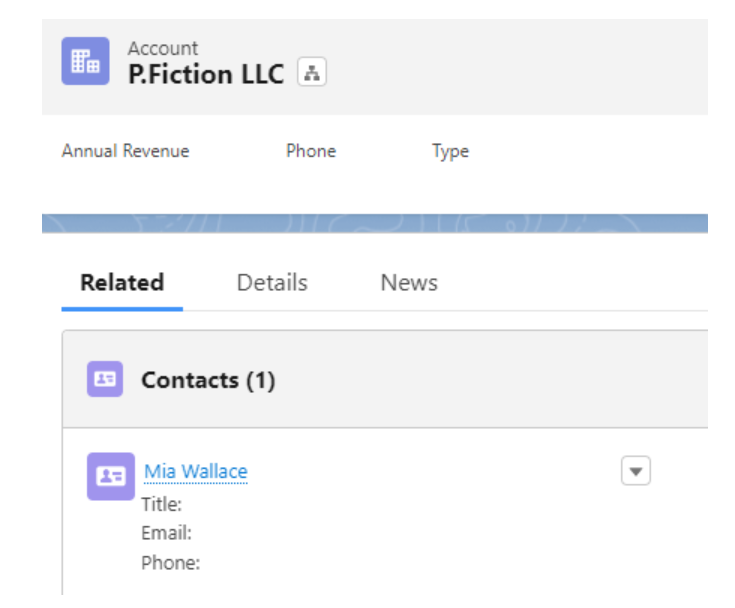
Below is an example of calculating a custom rollup aggregate on Account when Contact records are created or updated.
Implementation Steps:
- Generate and deploy an After Insert / After Update trigger on
Contact. - Create the custom Step class below.
- Register the step inside a Breezz Trigger Step Group configuration.
public with sharing class CountEmployeesStep extends forvendi.Step {

    private final Set<Id> accountIds = new Set<Id>();

    public CountEmployeesStep() {
        super(CountEmployeesStep.class.getName());
    }

    public override Boolean initRecordProcessing(Object record, Object optionalOldRecord) {
        Contact cnt = (Contact) record;

        // Check if AccountId is new or changed; enqueue for finishSyncProcess pass
        if (isNewOrChanged(cnt, (SObject) optionalOldRecord, Contact.AccountId) && cnt.AccountId != null) {
            addToSyncFinish(record, optionalOldRecord);
            accountIds.add(cnt.AccountId);

            if (optionalOldRecord != null) {
                accountIds.add(((Contact) optionalOldRecord).AccountId);
            }
        }
        return false;
    }

    public override void finishSyncProcess(List<Object> records, List<Object> optionalOldRecords) {
        // Compute active employee counts per Account and queue updates
        if (!accountIds.isEmpty()) {
            for (AggregateResult result : [
                SELECT AccountId, COUNT(Id) cnt
                FROM Contact
                WHERE AccountId IN :accountIds
                GROUP BY AccountId
            ]) {
                getContext().addModificationToUpdate(
                    (Id) result.get('AccountId'),
                    Account.NumberOfEmployees,
                    Integer.valueOf((Decimal) result.get('cnt'))
                );
                accountIds.remove((Id) result.get('AccountId'));
            }

            // Reset count for accounts with zero remaining contacts
            for (Id accountId : accountIds) {
                getContext().addModificationToUpdate(accountId, Account.NumberOfEmployees, 0);
            }
        }
    }
}
Key Takeaways
addModificationToUpdate: Queues updates intoModificationContextwithout invoking immediate DML, keeping record execution safe, bulkified, and limit-friendly.finishSyncProcess: Consolidates queries and batch calculations across all trigger records in a single execution pass.

💡 Apex API Reference: For lifecycle hooks and state verification helpers (
isNewOrChanged), check out Breezz APEX API - Step Reference.